
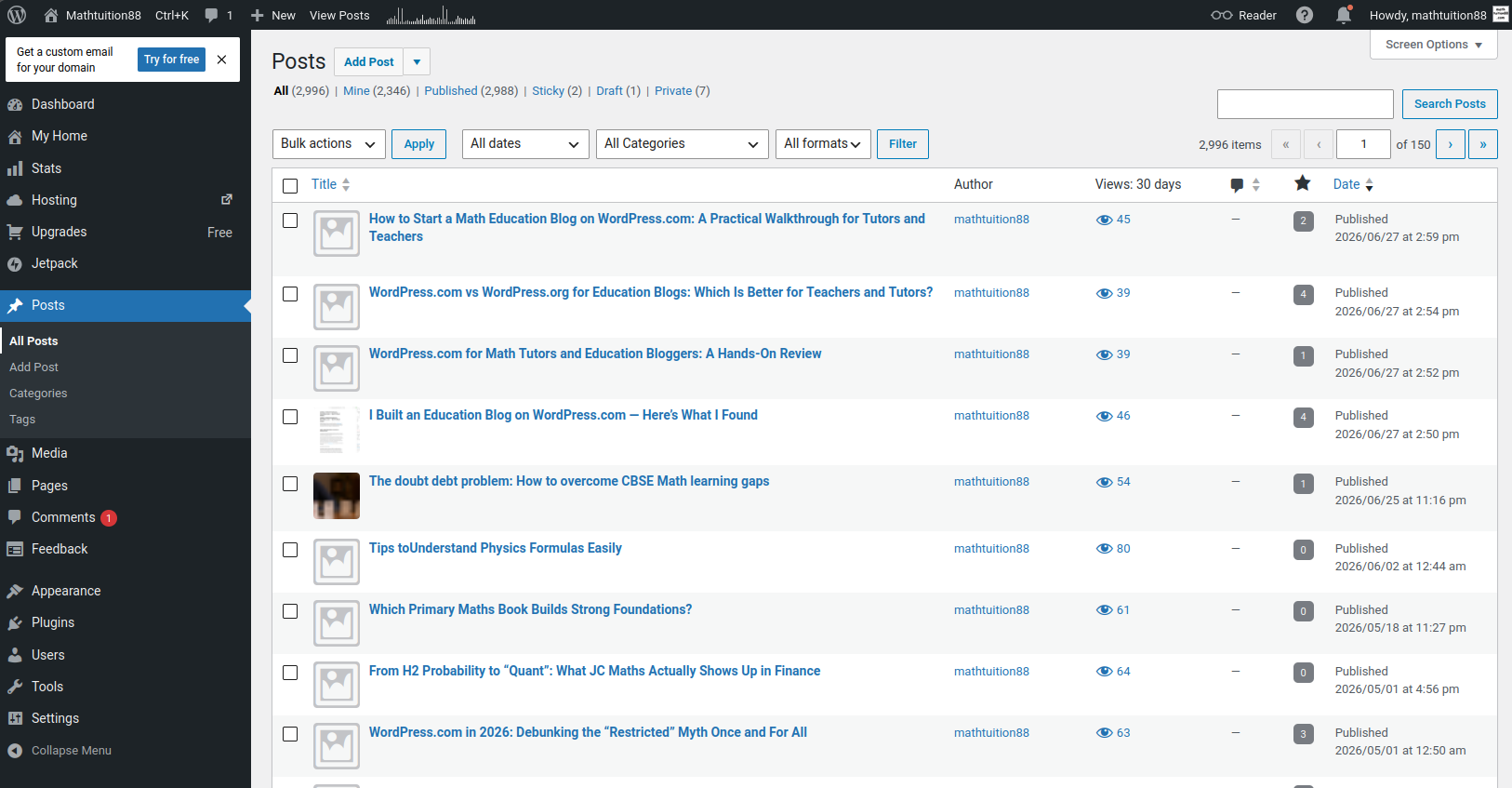
WordPress.com for Math Tutors and Education Bloggers: A Hands-On Review
Affiliate disclosure: This article contains affiliate links to WordPress.com. If you sign up through my link, I may receive a commission at no extra cost to you. This does not affect the price you pay. I only recommend platforms that I have personally tested and that I think may be useful for educators, tutors, bloggers, or small website owners.
Why a Math Tutor or Education Blogger Needs a Website
For a mathematics tutor, teacher, or education blogger, a website is more than an online name card.
It can become a long-term library of useful explanations, study tips, exam notes, and learning resources. Unlike social media posts, which disappear quickly into a feed, a good blog post can continue helping students and parents for years.
This is especially true for mathematics. A clear explanation of algebra, calculus, probability, trigonometry, or problem-solving techniques does not become useless after one week. In fact, some of the most valuable education content is evergreen. Students search for the same concepts again and again because the core difficulties remain similar across generations.
That is why I wanted to test WordPress.com from the perspective of an educator.
The question is not simply whether WordPress.com can create a nice-looking website. Many platforms can do that.
The more important question is:
Can WordPress.com help a math tutor, teacher, or education blogger build a trustworthy and useful website without being distracted by too much technical maintenance?
After testing the platform, I think the answer is yes, especially for educators who want to focus on writing and teaching rather than hosting, updates, security, and backend configuration.
What I Tested
For this review, I looked at WordPress.com as if I were setting up a small education website for a math tutor or education blogger.
The site structure I tested was simple and realistic:
- A homepage introducing the education site
- A blog section for mathematics and study articles
- A resources page for students
- An About page for author credibility
- A Contact page for enquiries
- Categories for different education topics
This is the kind of website many tutors, teachers, and education writers actually need. Most do not need a complicated custom web application. They need a clean, reliable publishing platform that can present useful content professionally.
I focused on the parts that matter most for education websites:
- How easy it is to create pages
- How comfortable the editor feels for writing educational content
- Whether posts can be organized clearly
- Whether the site can look credible to parents and students
- Whether the platform reduces technical burden
- What limitations educators should be aware of
First Impression: WordPress.com Feels Designed for Publishing
The first thing I noticed is that WordPress.com still feels like a publishing platform at its core.
This is important.
Some website builders are good at creating attractive landing pages, but they feel less natural when you want to publish many articles over time. For education websites, publishing is usually the main activity.
A tutor may want to write about exam strategies. A teacher may want to share revision notes. A mathematics blogger may want to publish worked examples. A parent-focused education site may want to write articles comparing different learning approaches.
These are not one-page website tasks. They require a content system.
WordPress.com gives you posts, pages, categories, tags, media, menus, and site settings in one place. That makes it suitable for building an education content library.
For example, a math education blog could organize posts into categories such as:
- Algebra
- Geometry
- Calculus
- Statistics
- Probability
- Study Tips
- Exam Preparation
- Learning Mindset
- Education Technology
This is useful because students and parents usually arrive with a specific need. A student may search for probability notes. A parent may search for tuition advice. A teacher may look for teaching resources. Good organization helps each reader find the right content faster.
Creating the Homepage
The homepage of an education website should be clear, calm, and trustworthy.
For a tutoring or mathematics education site, I would avoid making the homepage too flashy. The reader is usually not looking for entertainment. The reader wants confidence.
A good homepage should answer a few basic questions:
- What does this site teach?
- Who is behind it?
- What resources are available?
- Is the information reliable?
- Where should the reader go next?
In WordPress.com, I tested a simple homepage structure using the block editor. I created sections for an introduction, featured topics, latest articles, and a short author profile.
The block editor made this fairly easy. I could add headings, paragraphs, lists, buttons, and page sections without touching code.
For an education website, this is enough for a strong basic homepage. You do not need an overly complicated design. A clean page with good structure is often better than a visually crowded one.
For example, a math tutor’s homepage could include:
- A short introduction to the tutor
- The levels or subjects taught
- Links to recent articles
- A section for free resources
- A contact button
- A brief explanation of teaching philosophy
For Mathtuition88.com-style content, I would focus on clarity and usefulness. The homepage should guide readers toward mathematics resources, not distract them with unnecessary design effects.
Writing a Mathematics Blog Post
The most important test was writing an educational blog post.
A mathematics blog post is different from a lifestyle blog post. It often needs structure. It may include definitions, formulas, examples, diagrams, step-by-step explanations, and warnings about common mistakes.
In WordPress.com, the editor is based on blocks. At first, this may feel slightly different from writing in a normal document editor, but it becomes natural after some practice.
For an educational post, I found the following blocks most useful:
- Headings for organizing ideas
- Paragraphs for explanation
- Lists for step-by-step methods
- Images for diagrams or handwritten workings
- Tables for comparison
- Quotes for important reminders
- Buttons for linking to related resources
A typical mathematics article might be structured like this:
- Introduce the topic
- Explain why students find it difficult
- Give the key formula or idea
- Work through an example
- Show a common mistake
- Give a final summary
This format works well inside the WordPress.com editor.
For example, if I were writing an article on quadratic equations, I could use headings such as:
- What is a quadratic equation?
- Method 1: Factorisation
- Method 2: Completing the square
- Method 3: Quadratic formula
- Common mistakes
- Practice questions
The block editor supports this kind of structured writing. It also makes it easy to preview the post before publishing, which is helpful because educational content should be readable on both desktop and mobile.
Many students now read on phones. A mathematics article that looks fine on a laptop may be unpleasant on a small screen if the paragraphs are too long or the formatting is too dense. WordPress.com’s preview function helps check this before publishing.
Organizing Content for Students and Parents
One of the strengths of WordPress.com is that it gives you a proper content system.
For an education site, organization matters because different readers have different needs.
A student may want:
- Short explanations
- Worked examples
- Exam tips
- Practice questions
- Topic summaries
A parent may want:
- Tuition advice
- Information about learning habits
- Guidance on choosing resources
- Signs that a child may need help
- Long-term education planning
A teacher or tutor may want:
- Teaching reflections
- Resource lists
- Curriculum-related notes
- Educational technology ideas
If all these articles are mixed together without structure, the site becomes difficult to use.
WordPress.com allows you to use categories and tags to organize content. For example, you can put a post under “Calculus” and tag it with “differentiation,” “exam tips,” and “common mistakes.”
This is very useful for long-term blogging.
A serious education site may eventually have hundreds of posts. Without categories and tags, readers may only see the latest posts and miss older useful articles. With good organization, older articles can remain discoverable.
For a mathematics blog, I would recommend creating a simple category structure early. Do not make too many categories at the start. Begin with broad topics, then use tags for more specific ideas.
For example:
- Algebra
- Geometry
- Calculus
- Statistics
- Study Skills
- Education Reflections
This is enough for a clean start.
Building Trust as an Educator
For education websites, trust is extremely important.
A reader may be a student preparing for exams. A parent may be looking for reliable guidance. A teacher may be checking whether the content is accurate.
WordPress.com helps with the technical side of publishing, but the trust still comes from the author.
That means an education site should include:
- A clear author name
- A short biography
- Relevant qualifications or experience
- Transparent contact information
- Accurate and updated content
- Honest explanations, not exaggerated claims
I think this is especially important for tuition-related websites. Parents are careful, and rightly so. They want to know who is behind the website and whether the person has real experience.
For Mathtuition88.com, an author bio is useful because it explains the background behind the content. A PhD in Mathematics, teaching experience, and long-term educational writing all help establish relevance.
But even without a PhD, an educator can still build trust by writing clearly, giving useful examples, and being honest about what the site provides.
A website should not overpromise. It should not say that every student will improve instantly. Education is more complex than that.
A trustworthy education site should sound calm, helpful, and realistic.
Pricing: Which WordPress.com Plan Makes Sense for Tutors?
According to the campaign brief, the current WordPress.com pricing is:
- Personal: $9/month monthly or $4/month annually
- Premium: $18/month monthly or $8/month annually
- Business: $25/month monthly or $25/month annually
- Commerce: $45/month monthly or $45/month annually
For a math tutor or education blogger, I would mainly compare the Personal, Premium, and Business plans.
The Personal plan is suitable for a simple education blog or tutor website. If your main goal is to publish articles, use a custom domain, and maintain a professional online presence, this may be enough to begin.
The Premium plan may be more suitable if you care about more design options, monetization, and a more polished creator-style site.
The Business plan may be worth considering if your education website becomes more serious commercially. For example, if you need more advanced features, plugins, integrations, or business tools, then Business may become relevant.
The Commerce plan is mainly for online selling. A typical tutor probably does not need this immediately unless the site is used to sell courses, digital products, books, worksheets, or other educational materials directly.
My practical advice is simple: do not choose the highest plan just because it sounds better. Choose based on what the site actually needs.
A tutor who only wants a homepage, blog, About page, and Contact page may not need Commerce. A larger education business with products and advanced workflows may need more.
What I Liked About WordPress.com
The first thing I liked is that WordPress.com reduces technical distractions.
For an educator, this is probably the biggest advantage. You do not need to start by comparing hosting providers, installing WordPress manually, configuring SSL, or worrying about basic maintenance.
The second thing I liked is that it supports long-form writing. This matters because education content often requires explanation. A short social media post is not always enough to teach a concept properly.
The third thing I liked is the content organization. Posts, pages, categories, and tags make sense for education websites.
The fourth thing I liked is that the platform is beginner-friendly but not too limited for serious blogging. A tutor can start simply and improve the site over time.
The fifth thing I liked is that WordPress.com is suitable for evergreen content. A good math explanation can remain useful for years, and WordPress.com gives it a stable home.
Limitations and Trade-Offs
WordPress.com is useful, but it is not perfect.
The main limitation is that it is more managed than self-hosted WordPress.org. This is good for simplicity, but it means advanced users may feel some restrictions.
If you want full server control, custom backend logic, complex plugin configurations, or developer-level freedom, self-hosted WordPress.org may be more suitable.
The second limitation is that the editor has a learning curve. It is not very difficult, but a new user still needs to understand blocks, pages, posts, templates, menus, and site settings.
The third limitation is that education businesses with complex needs should plan carefully. For example, if you want student accounts, paid memberships, online course systems, digital downloads, or booking integrations, you should check which WordPress.com plan supports the features you need.
The fourth limitation is that WordPress.com gives you the platform, but it does not create the educational value for you. The quality still depends on the author. A clean website cannot compensate for weak explanations or inaccurate content.
This is an important point. For education sites, content quality matters more than design.
WordPress.com for SEO and Long-Term Education Content
Many education bloggers care about search traffic. This is understandable because students and parents often use Google to search for specific topics.
A mathematics article may get traffic from searches such as:
- How to solve quadratic equations
- Difference between permutation and combination
- How to study for O Level math
- Common mistakes in calculus
- Why is algebra difficult?
WordPress.com is useful because it gives you a blogging structure that search engines can understand. You can write proper titles, headings, categories, and internal links.
However, SEO should not become the only goal. For education content, the main goal should be helping the reader.
A good education article should be accurate, clear, and useful. It should answer the question better than a generic article. It should include real explanation, not just keywords.
This is where educators have an advantage. A real teacher or tutor understands the mistakes students make. That experience can make the article more helpful.
For example, an SEO-style article may say, “Practice regularly to improve math.” That is true but generic.
A teacher can write something more useful: “Many students lose marks not because they do not know the formula, but because they substitute values before checking the sign carefully.”
That kind of observation comes from real teaching experience. It is more valuable than generic advice.
Practical Use Cases for Tutors
Here are some practical ways a math tutor could use WordPress.com.
A tutor could create a blog explaining common exam topics. Each week, the tutor could publish one article on a specific concept, such as simultaneous equations, vectors, differentiation, or probability.
A tutor could create a parent guide section. These articles could discuss study habits, revision planning, exam stress, and how to support a child without creating too much pressure.
A tutor could create a resource page. This page could link to useful articles, practice materials, recommended books, or downloadable worksheets.
A tutor could create a credibility page. This could include the tutor’s background, teaching philosophy, qualifications, and approach.
A tutor could also use the website as a long-term portfolio. Over time, the blog itself becomes evidence of teaching ability. A tutor who has written 100 useful explanations has already shown commitment and expertise.
Practical Use Cases for Students
WordPress.com is not only useful for tutors. Students can also use it.
A student could create a learning portfolio. This is especially useful for older students, university students, or students applying for scholarships or internships.
For example, a student interested in mathematics, computer science, or AI could publish:
- Notes from books
- Project summaries
- Problem-solving reflections
- Competition experiences
- Research explanations
- Personal learning plans
This helps the student develop writing skills and also creates a visible record of learning.
In education, writing is thinking. When students explain what they learn, they often understand it better.
A simple WordPress.com site can become a learning journal, portfolio, and personal knowledge base.
My Final Verdict
After testing WordPress.com from the perspective of a math tutor and education blogger, I think it is a strong option for people who want to publish useful educational content without too much technical overhead.
Its biggest strength is that it lets you focus on the main task: writing and teaching.
For a math tutor, WordPress.com can support a professional website with articles, resources, an About page, and contact information.
For a teacher, it can become a place to share notes and reflections.
For a student, it can become a learning portfolio.
For an education blogger, it can become a long-term content library.
The platform is not perfect. Advanced users may want more control, and complex education businesses should check plan features carefully. But for many educators, the simplicity is a strength rather than a weakness.
A good education website does not need to be technically complicated. It needs to be clear, useful, trustworthy, and regularly updated.
WordPress.com helps with that.
If you are a tutor, teacher, student, or education blogger who wants to build a serious online presence, WordPress.com is worth considering — especially if your priority is to publish helpful content rather than manage website infrastructure.
Author Bio
William is the founder of Mathtuition88.com, an education and mathematics blog that shares mathematics explanations, learning resources, exam-related content, and reflections on learning. He has experience in teaching, mathematical research, and technical blogging.


